Rss-to-Email
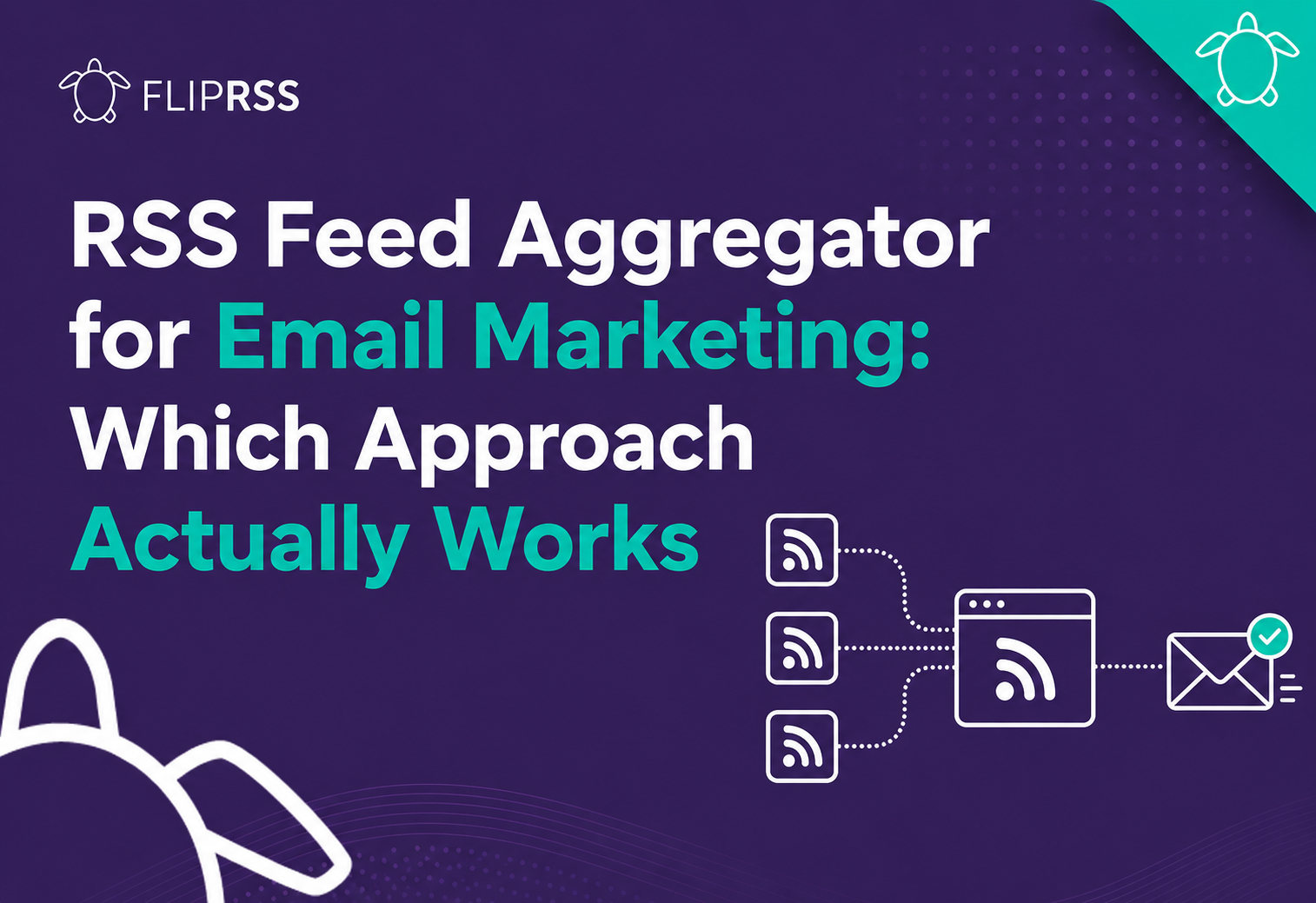
RSS Feed Aggregator for Email Marketing: Which Approach Actually Works
If you’re running a newsletter from multiple content sources, you need some form of RSS feed aggregation - a way to combine content from different feeds into a single newsletter delivery. Several approaches exist, and they’re not equivalent. This guide compares them so you can choose the one that fits your situation. The short answer: use a simple feed merger when every subscriber should receive the same combined content. Use separate campaigns when each feed represents a genuinely separate newsletter....

Mailchimp RSS Campaigns: What Most Setup Guides Get Wrong
Most guides to setting up a Mailchimp RSS campaign are accurate. They show you where to click, which field to fill in, and how to activate the campaign. Then they stop. What they don’t cover is why most RSS campaigns underperform after the first few sends - and what to do about it. This post is the guide that picks up where the others leave off. The short answer: a reliable Mailchimp RSS campaign depends on more than connecting a feed....
Multiple RSS Feeds in Mailchimp: The Complete Setup Guide
Most Mailchimp users are running one RSS feed into one automated campaign. It works, up to a point. But the moment your content spans more than one source - a blog, a news feed, an events calendar, a jobs board - that single-feed setup starts to show its limits. You end up either picking one source and ignoring the others, or rebuilding the campaign manually every time you want to mix things up....

Introducing: Custom RSS-to-Email Templates
Now you can have complete control over what you include from your RSS feeds in your RSS-to-email newsletters, how these are styled and any additional elements you want to include to engage your subscribers. Not all RSS Feeds are the same Not all RSS-to-Email campaigns are the same. Now, you can fully customise the output of your automated RSS feeds and posts within your FlipRSS newsletters. Automate your email newsletter from multiple RSS feeds, personalise the content based on individual subscriber preferences and style your newsletter content any way you want....

Have RSS feeds come to the rescue of Email newsletters?
You’ve invested in content, you’ve fought to grow your mailing list and you’re staring at falling open rates and low click-through-rates. The problem isn’t email. How do I know? I’ve seen newsletter statistics transformed overnight by making one small change. Stop sending the same content to all your subscribers! Deliver content specific to your subscribers’ preferences. Simply change your generic ‘sign-up to our newsletter’ form to include preferences. Mailchimp makes this really easy with their Groups functionality....

How to personalise content for email subscribers.
Fully automating your email marketing with RSS feeds can be a huge time saver. Good in itself, but with FlipRSS you can go one step further. The tool’s advanced features allow you to personalise the experience for each individual subscriber, and this is rocket fuel for subscriber engagement. Give your subscribers what they want and you will be rewarded! For example, subscribers to a recruitment company may want to receive the latest jobs, but only in the industry that interests them....

A simple way to blend email automation with personalisation
Give your newsletter subscribers the ability to personalise their content and put your email marketing on autopilot Finding the right balance between automating your email marketing and engaging your subscribers is critical. A focus on automation over subscriber value will obviously lead to problems with attrition whereas a focus on personalisation can be time consuming and difficult to manage. Thankfully, finding this balance might be easier than you think. Three key benefits of combining email automation and personalisation in your marketing campaigns:...
How to Combine Multiple RSS Feeds in One Newsletter
You can combine multiple RSS feeds in one newsletter in four main ways: run a separate campaign for each feed, add several feeds to a Mailchimp template, merge the sources into one combined feed, or use a multi-feed platform that selects content for each subscriber. The right method depends on whether everyone should receive the same content, whether sections must remain separate and whether subscribers can choose their interests. Simply merging everything together solves the input problem but does not decide who should receive each item....